Make a Video Call Feel More Like a Visit
A little preparation can move the attention away from the screen and back to the person you wanted to see.

The first few minutes of a video call can disappear into the same questions: Can you hear me? Where is the camera? Why am I looking at the ceiling?
A comfortable call starts with a simple setup you can repeat. You do not need a professional camera or a room arranged like a studio. You need to hear each other, see each other reasonably well, and stop worrying about the device.
Set the device down before the call
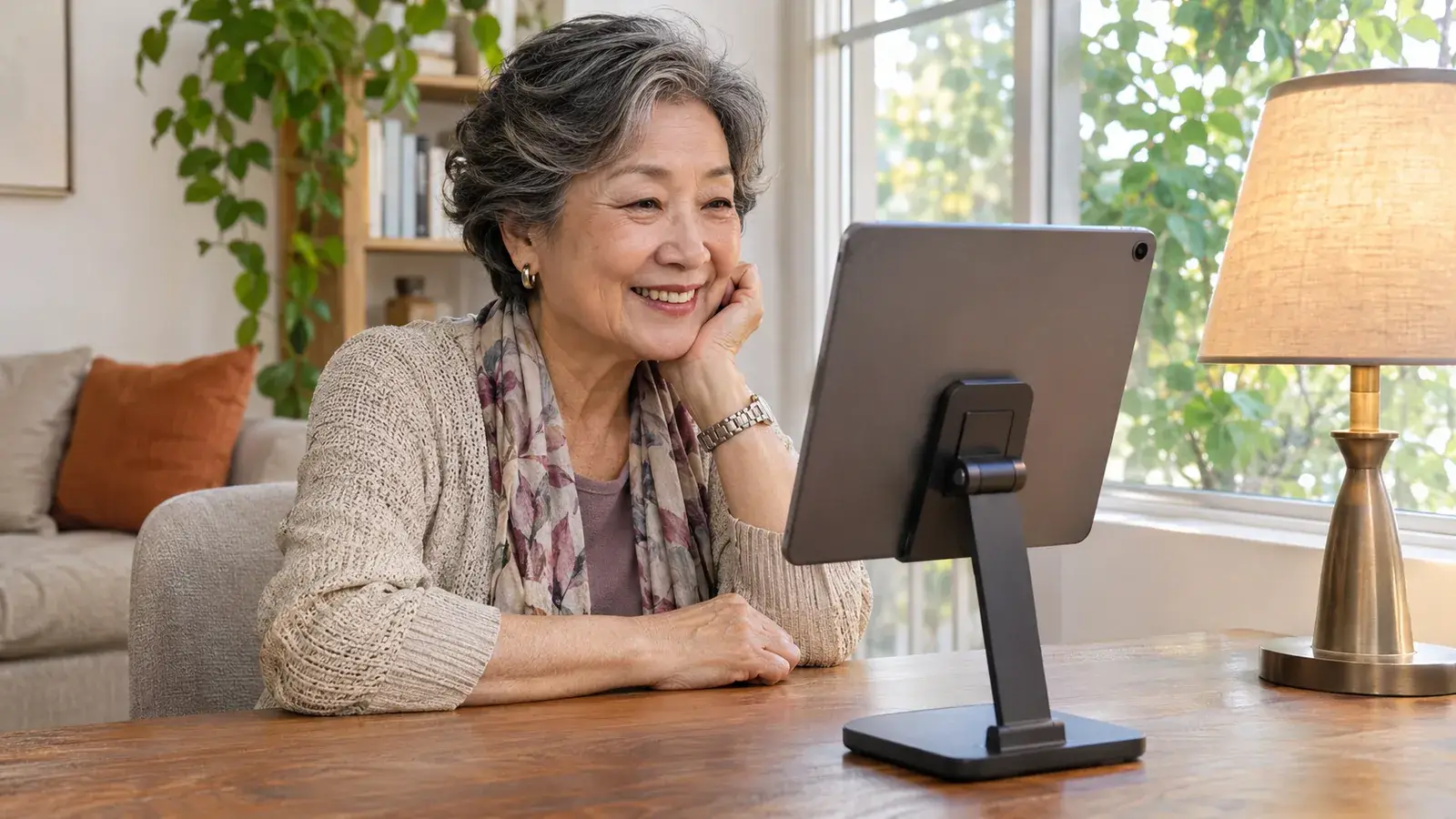
Use a stable surface or stand rather than holding a phone for a long conversation. Position the camera near a comfortable eye level and far enough away that your face is not pressed against the frame. Make sure a makeshift support cannot easily topple.
Sit where you normally feel at ease. Check whether the chair, device, and power cable can stay there without obstructing a walkway. If the call may be long, charge the device beforehand or connect it safely.
Find the camera lens before joining. Looking toward it occasionally can help the conversation feel more direct, but there is no need to stare at it. You will naturally want to look at the other person’s face on screen.
Put light in front of you
A bright window behind you can make your face difficult to see. Try facing the window or sitting at an angle to it. After dark, use a lamp that lights your face without shining directly into your eyes.
Open a preview if your calling service offers one. Move the lamp or the device a little and compare. A few inches can make a useful difference without buying extra equipment.
Look at the background for practical reasons as well as appearance. Move private paperwork out of view. You do not need to hide an ordinary room or pretend the house is always tidy.
Solve sound before changing everything else
Turn down television or radio sound and close a noisy door if practical. If you hear an echo, check whether two devices in the same room have joined the call with their microphones and speakers active. Use one for audio or mute the extra device as appropriate.
If sound remains difficult, try a headset you already own or the service’s available audio settings. Test with someone patient before an important conversation. Automatic captions, where available, can be helpful, but they may mishear words and names.
Keep a backup plan simple: if the video fails, continue by telephone rather than spending the whole visit troubleshooting.
Give the conversation something to gather around
Two or three people can usually converse more easily than a very large group. Agree on a rough length if that helps everyone settle in. Take turns rather than raising voices when the connection introduces a delay.
A shared object can be a lovely opening: a book cover, an old photograph, or a few flowers from the garden. Have it beside you before calling. If you want to show small details, ask whether the other person can actually see them rather than assuming the camera has focused.
Send meeting details only to the people you intend to invite, using the service’s access controls where available. Ask permission before recording or taking screenshots. When the call is over, check that you have actually left it.
Once the setup works, keep it. The purpose of becoming comfortable with the technology is to spend less of the next conversation talking about the technology.
Know someone who would enjoy this?